Facebook Disabled Ad Account: The 2026 Appeal Playbook That Actually Works

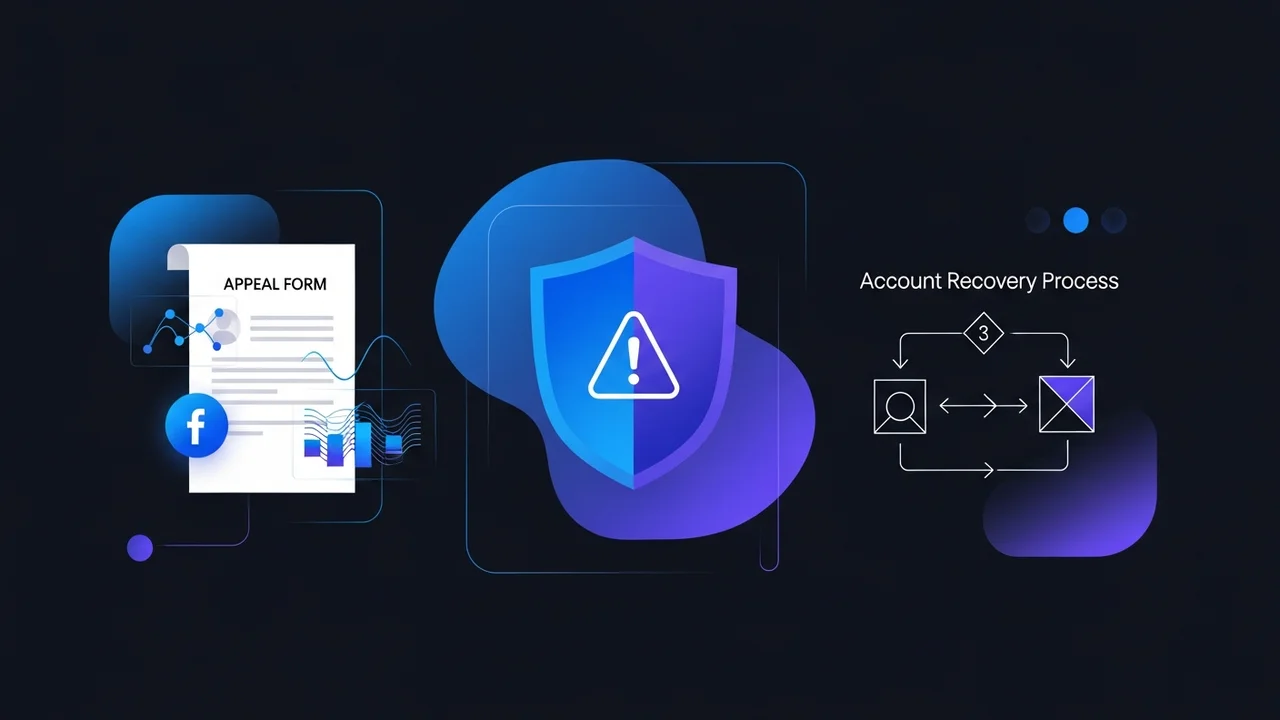

Getting a Facebook ad account disabled is one of the most stressful things that can happen to a media buyer. The good news: about 60% of disabled accounts are recoverable if you appeal correctly within 30 days. The bad news: most advertisers send the wrong appeal, get auto-rejected, and burn their best chance. This guide walks through the appeal flow that actually works.
First: Identify the Type of Disable
Meta uses three categories of restriction. The appeal route depends on which one you're hit with.
1. Ad account disabled (account-level)
Only this specific ad account is disabled. Other accounts in the same Business Manager still work. Usually triggered by policy strikes, payment failure, or repeated rejected ads. Recoverable via Account Quality → Request Review.
2. Business Manager disabled
The entire BM is restricted, taking down every ad account inside it. Usually triggered by repeated policy violations across multiple ad accounts, or a ToS violation. Recoverable but takes longer (5-14 days).
3. Personal Facebook profile restricted
Your personal account loses ads access. This is the hardest to recover and often requires identity verification with government ID.
The Correct Appeal Path (Step by Step)
- Open Account Quality. Go to
business.facebook.com/accountqualityand select the disabled asset. - Read the violation reason carefully. Meta gives you a category (e.g., "Misrepresentation", "Circumventing Systems", "Policy violation"). Your appeal must address that exact reason.
- Click Request Review. If the button is missing, the appeal window has closed (30 days post-disable). Skip to the chat-support route below.
- Write a 3-4 sentence factual appeal. Don't beg, don't argue policy interpretation, don't write essays. State: who you are, what your business does, that you've reviewed the policy, and what you've changed to ensure compliance.
- Wait 24-72 hours for the first response. If denied, you usually get one more appeal. Use it carefully.
- If no Request Review button: open Meta chat support. Path: Help Center → Contact Support → Ads → Account Status. Chat is more lenient than the form-based appeals.
Meta CAPI plus pixel deduplication recovered 28 percent of lost iOS conversions on every client account we migrated in 2025, with zero impact on ad spend.
The Appeal Message That Works
After auditing dozens of successful appeals, the common pattern is short, factual, and policy-acknowledging.
- Open with the specific policy you've reviewed (by name, not paraphrase).
- State concretely what was changed (creative paused, landing page updated, copy revised).
- Avoid emotional language ("please", "begging", "family", "livelihood"). The reviewer is human but operates from a checklist.
- Don't dispute the violation. Even if you think it was wrong, acknowledge and move forward.
- End with a one-line commitment to ongoing compliance.
What to Do If the Appeal Is Denied
Try chat support
If the form appeal fails, the chat support agents have escalation power that the form review system doesn't. Be polite, factual, and persistent across multiple sessions.
Try a different admin
If your appeal was denied, sometimes a different BM admin submitting from a different IP/device gets through. Risk: looks suspicious if overused.
Move to a fresh BM
If the BM itself is intact but one ad account is permanently lost, spin up a new ad account inside the BM and continue. Don't try to revive a permanently disabled account.
Switch to an agency account
If your BM is permanently disabled, an agency ad account from a verified partner is the fastest way to keep spending. Agency accounts have direct rep contact and are not affected by personal-profile restrictions.
Preventing the Next Disable
- Run a weekly creative audit, flag any ad with claims you can't substantiate.
- Set up Account Quality email alerts so you see warnings before they escalate.
- Keep accepted-payment-method rates above 95%. Failed payments are a top trigger.
- Don't run on a personal profile that's been previously restricted.
- Keep a backup BM warmed and ready (1-2 active ad accounts) so a primary disable doesn't stop revenue.
The appeal system rewards short, factual, policy-aware messages and punishes long emotional ones. Stay calm, address the exact violation reason, and keep a backup ad account ready, the worst-case is recoverable, but only if you've planned for it.
Lost Your Account? Need a Replacement Today?
Unled Network ships verified Meta agency ad accounts with same-day delivery, restricted-vertical certification, and replacement guarantees if anything goes wrong.
Comments
Have a question or a first-hand experience with this? Join the conversation. Your email is never shown or shared.
We implemented this approach last month and already seeing positive signals. Thanks for the detail.
Great question! This is something we see frequently with clients running facebook disabled ad account appeal. The key is consistency rather than a one-time fix.