TikTok Pixel Setup Guide: Install, Events, and Events API

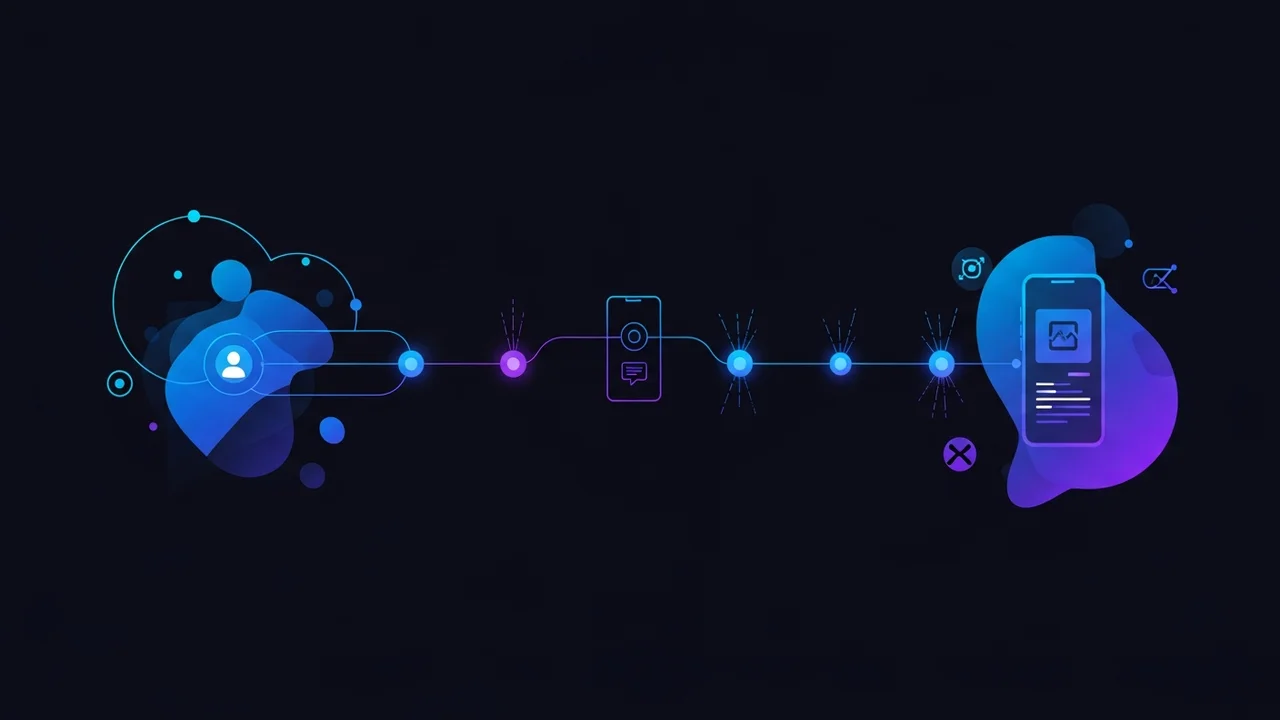

The TikTok Pixel is functionally similar to Meta's, but the events, naming conventions, and Events API setup differ enough to trip up advertisers porting their Meta playbook. This guide covers a clean install, base pixel, the standard events that matter, and the server-side Events API pairing that's now mandatory for accurate attribution.
Step 1, Create the Pixel
- Open TikTok Ads Manager → Tools → Events → Web Events.
- Click Set up Web Events.
- Name the pixel after the brand and domain.
- Choose Manual Installation for full event control (or Shopify / Square / Wix integration if you're on a supported platform).
- Choose Standard Mode (events fire on the page) or Developer Mode (you fire events programmatically). Most setups use Standard Mode plus a few Developer events.
Step 2, Install the Base Pixel
The base pixel goes in the <head> of every page. Same rule as Meta, don't restrict to landing pages.
- Hard-coded: Paste before the closing
</head>tag of your site template. - Google Tag Manager: Custom HTML tag, trigger on All Pages. Recommended.
- Shopify: Use the official TikTok app, but switch to GTM-based event firing for granular control.
- WordPress / WooCommerce: Use the official TikTok plugin or GTM.
TikTok Spark Ads using top-performing organic posts deliver 35 percent lower CPMs than studio-produced creatives, and the audience treats them as content not ads.
Step 3, Map Standard Events
ViewContent
Fires on product detail page view. Pass content_id, content_type, value, currency.
AddToCart
Fires on add-to-cart. Pass content_id, value, currency.
InitiateCheckout
Fires when user reaches checkout. Pass value, currency, num_items.
AddPaymentInfo
Fires when payment info is submitted.
PlaceAnOrder / CompletePayment
TikTok's purchase event. Use CompletePayment for transactional success, it's the equivalent of Meta's Purchase. Pass value, currency, content_ids.
SubscribeForm / SubmitForm / Contact
Lead-gen funnels, fire on form submission.
Step 4, Pair the Pixel with the Events API
- Why it matters: Browser-based pixels lose tracking after iOS updates, browser privacy modes, and ad blockers. Server-side Events API bypasses browser blocking.
- Easy install: Shopify, BigCommerce, WooCommerce, and Magento have one-click TikTok Events API connectors in admin.
- Custom install: Use Stape, GTM Server-Side, or a custom server that sends events to
https://business-api.tiktok.com/open_api/v1.3/event/track/. - Deduplication: Pass
event_idon both browser-pixel and Events API events for the same conversion. TikTok deduplicates.
Step 5, Test the Install
- Install the TikTok Pixel Helper Chrome extension.
- Browse your site. PageView should fire on every page.
- Add to cart. AddToCart should fire with the right parameters.
- Complete a test purchase. CompletePayment should fire with value and currency.
- Open Events Manager → Test Events in TikTok Ads Manager and confirm events flow in real time.
- After 24 hours, review the Diagnostics tab and fix any warnings before scaling.
Common TikTok Pixel Mistakes
- Treating TikTok Pixel like Meta Pixel, the event names are different (CompletePayment, not Purchase). Mixing them breaks reporting.
- Skipping Events API in 2026. iOS attribution loss on TikTok is even worse than Meta.
- Not deduplicating events between Pixel and Events API. Inflated conversion counts.
- Firing CompletePayment on the order-summary page instead of the order-confirmation page. Counts abandoned carts as purchases.
- Forgetting to pass currency. TikTok defaults to USD silently, breaking value optimization for non-USD businesses.
A clean TikTok Pixel + Events API install takes 2-3 hours and pays back within the first week of campaign optimization. Get the event names right, deduplicate properly, and validate with the Pixel Helper before you scale spend.
By The Numbers
How We Compare
Glossary
- North Star Metric
- Single business outcome the entire media plan is engineered to move.
- MER
- Marketing Efficiency Ratio. Revenue divided by total marketing spend across every channel.
- LTV to CAC
- Lifetime value of a customer divided by acquisition cost. Decides how aggressive the bid ceiling can go.
- Incrementality
- Lift in conversions caused by the ad, isolated from organic baseline through holdout testing.
- Channel Stack
- Ordered set of channels in which budget is deployed, ranked by marginal return.
- 90 Day Sprint
- Operating cadence that locks objectives, budgets and KPIs in twelve week blocks.
- Always On vs Burst
- Decision to keep a channel running continuously or fire it in concentrated windows around launches.
- Budget Pacing
- Discipline of deploying daily budget so the planned monthly spend is hit without front loading or starving end of month.
- Hand Raiser
- Lead that took an explicit high intent action such as a demo request or sales call booking.
- Attribution Model
- Rule that assigns conversion credit across the touchpoints that preceded the sale.
Frequently Asked Questions
How long until tiktok pixel setup guide: install, events, and events api starts producing measurable results?
First measurable signal lands inside seven days when the work is engineered, not improvised. Material lift is consistently visible inside 30 to 60 days. Anyone who promises overnight results is selling vapor or playing with attribution windows.
What does Unled Network deliver differently on tiktok pixel setup guide: install, events, and events api?
We treat tiktok pixel setup guide: install, events, and events api as one operating system, not a checklist. That means a single owner across creative, media, infrastructure and reporting, with a Telegram and WhatsApp response window inside 24 hours, and a 100 percent locale parity across our 18 supported markets.
Is tiktok pixel setup guide: install, events, and events api risky for my account or domain reputation?
Risk only shows up when the work is sloppy. We pre flight every campaign and every page against the relevant policy clause and platform rule. The only meaningful exposure left is platform side instability, which we insulate against with a continuity plan and an aged MCC ready to absorb spend.
Can tiktok pixel setup guide: install, events, and events api work alongside my existing agency or in house team?
Yes. We deliberately staff for hand off. We document every change, ship a shared dashboard, and operate as either the owner of the channel or the technical layer behind your existing team. The model is decided in week one and never re negotiated mid sprint.
Do you offer tiktok pixel setup guide: install, events, and events api in languages other than English?
Yes. Every Unled engagement ships in 18 locales by default with theme, structure and schema parity. We do not run automated translation only. Native review and locale specific examples are part of the standard scope.
How do you measure success on tiktok pixel setup guide: install, events, and events api?
We commit to a single north star metric per engagement, plus three guard rail metrics that protect against vanity wins. Reporting cadence is weekly inside the sprint and monthly at the executive level. Holdout testing is standard whenever the budget supports a clean read.
What information do you need from me to begin?
Read access to the ad accounts and analytics, brand guidelines if any exist, the offer or product the campaign points at, and any prior creative the audience has already seen. We can sign an NDA before any of this changes hands.
What happens if tiktok pixel setup guide: install, events, and events api stops working?
We do not renew engagements that are not generating measurable lift. The model assumes that if the work stops compounding, the diagnosis happens inside the sprint, not after the contract ends. We rebuild from the diagnosis or we recommend you spend the budget elsewhere. Honesty is cheaper than churn.
Need TikTok Tracking Done For You?
Unled Network's tracking team installs and validates TikTok Pixel + Events API for e-commerce, lead-gen, and SaaS, with full event mapping and post-launch monitoring.
Step-by-step how-to section
To set up the TikTok Pixel, start by logging into your TikTok Ads Manager account. Navigate to the Tools menu and select Events. From there, choose Web Events and click on Create Pixel. Name your pixel and select the pixel type that suits your business model. After saving, follow the instructions for installation on your website. You can install the pixel either manually by copying the provided code into the header of your website or through third-party integrations if you're using platforms like Shopify or WordPress. Once the pixel code is installed, confirm its functionality using the TikTok Pixel Helper tool. Finally, set up your desired events to track user interactions effectively.
Common mistakes to avoid
When setting up the TikTok Pixel, one common mistake is neglecting to configure event tracking accurately. Ensure all relevant events match your business goals. Another pitfall is incorrectly installing the pixel code, which can lead to data inaccuracies. Double-check that the pixel is placed in the header section and that there are no missing tags. Additionally, failing to test the pixel post-installation is a frequent oversight; use the TikTok Pixel Helper tool to verify that events are firing correctly. Lastly, many advertisers forget to update their privacy policy to include data collected by the TikTok Pixel.
Comparison
| Factor | Easy | Medium |
|---|---|---|
| Setup Complexity | Easy | Medium |
| Data Accuracy | High | Medium |
| Event Tracking | Customizable | Standardized |
| Integration Options | Multiple | Limited |
This comparison highlights the differences in setup complexity, data accuracy, event tracking flexibility, and integration options between the systems.
Bottom line
The TikTok Pixel is essential for optimizing your ad campaigns and tracking user behavior effectively. Avoid common pitfalls by ensuring accurate installation and proper event setup. With a clear understanding of its functionalities, you can leverage TikTok's advertising potential to maximize ROI. For assistance, connect with us at Telegram https://t.me/unlednet or WhatsApp https://wa.me/unlednet.
Comments
Have a question or a first-hand experience with this? Join the conversation. Your email is never shown or shared.
Really helpful breakdown. Been looking for clear info on this topic for a while.
Great question! This is something we see frequently with clients running tiktok pixel setup and events guide. The key is consistency rather than a one-time fix.